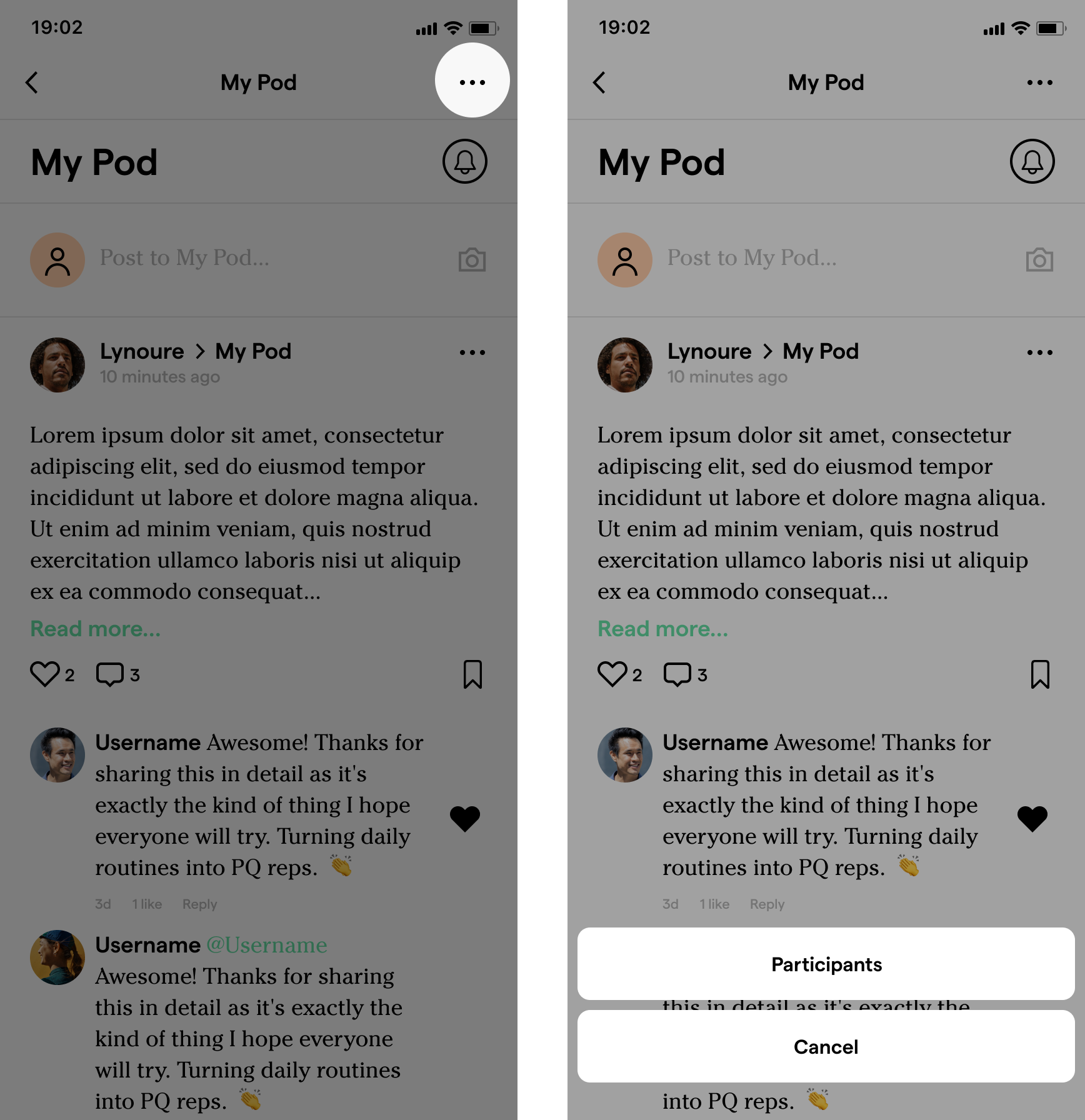
How to Find Your Podmates in the PQ App Follow these steps to see your Pod mates. All members of your Pod are automatically added to the "My POD" channel in the Community section of the PQ app. To see your Podmates: Open the PQ App and go to Community Open "My Pod" Tap the 3 dots at the top right Select "Participants," then each Pod mate to see their Profiles.